01
Turn each scan into an organized expense
Monira reads the receipt, suggests a category, and stores the image next to the extracted fields. You review, adjust and save. The receipt then lives in an organized ledger you can browse, filter and export.
- Automatic category suggestions
- Original receipt image saved alongside the data
- Editable merchant, date, tax and total
02
Find receipts the way you spend
Search by merchant, filter by category, group by trip or client, and separate personal from business. When receipts are structured, an accountant, an employer, or your own review becomes much faster.
03
Track expenses across trips and currencies
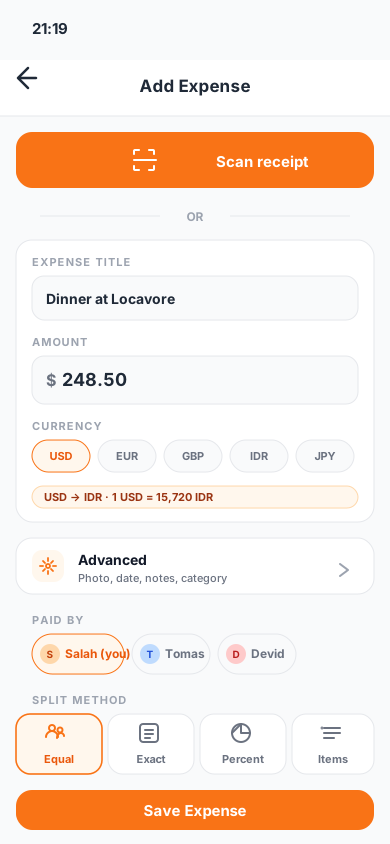
Travel-heavy months can scatter receipts across cards and currencies. Monira keeps foreign-currency receipts alongside their home-currency amount so trip reviews are honest.
04
Export the archive when it is time
Monira exports PDF, Excel and CSV files. Attach a full month, a single trip or a specific project when a report is due.
Questions
What people usually ask
Is Monira a receipt organizer or an expense tracker?+
It is both. Scanned receipts become expenses with category, tax and totals, so you can organize them and analyze spending in one place.
Can I keep business and personal receipts separate?+
Yes. Use separate profiles or filters to keep business and personal receipts organized independently.
Are receipts searchable?+
Yes. You can filter by merchant, date, category, currency, trip or project.
Verified sources