01
Scan the receipt, then assign items
Monira reads the receipt and lists each line. Tap items to assign them to a person, or mark items as shared. The app keeps the receipt image so the group can double-check anything the OCR missed.
- Per-person totals in seconds
- Shared items divided fairly
- Tax and tip distributed proportionally
02
Handle real group situations
Someone did not order dessert, someone joined late, and the tip is a flat amount. Monira supports uneven splits, exclusions and mixed shared items on the same receipt.
03
Save the split with the trip
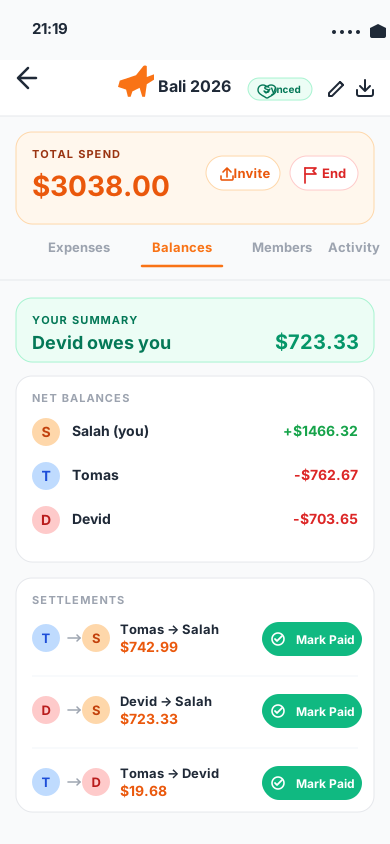
Add the split to a group or trip in Monira and it joins the rest of the shared expenses. When the trip ends, review balances and settle without recalculating each dinner.
04
Multi-currency trips do not break the math
Foreign-currency receipts stay in the original currency and also show the home-currency equivalent so no one is surprised at the end of the trip.
Questions
What people usually ask
Do I need everyone to have the app?+
No. You can capture and split the receipt yourself, then share the result. Members who want to track shared trips over time can also install Monira.
Can I split tax and tip separately?+
Monira distributes tax and tip proportionally by default, and you can adjust the amounts before saving.
Does it work for non-restaurant receipts?+
Yes. Any scanned receipt with line items can be split, including grocery runs, hotel folios and group shopping.